Bold system
Stop burying the hook
Drop your clip — we got you. Fire font combinations, behind-the-subject captions, and effects that stop the scroll — plus a hook and thumbnail done for you. Post-ready in minutes, not hours.
Drop video or click to upload
MP4, MOV, WebM
Add a clip and a style to continue.
By uploading you agree to our Terms.
The styles creators reach for most — across every category.
Captions that pop in around you — auto-placed, never on your face.
The signature looks people ask for by name.
Three-line font lockups with a single hero word.
Stacked serif-and-caps lockups. Four lock the hero word behind you.
Big statement text rendered behind the speaker.
Glass, glow, pixel and glitch finishes.
Motion-driven per-word emphasis.
Clean, punchy styles for every feed.
Lower-thirds, podcast labels and quote cards for talking heads.
Hinglish and Devanagari — one face for both scripts.
Yellow, black, italic. Throwback energy.
Caption typography
Every style sets the font, color, and motion for you — so captions look designed before you open the editor.
Bold system
Stop burying the hook
Editorial clarity
Softer fonts for experts, lessons, and product walkthroughs.
Tape highlight
Win the first 3 seconds
HOW IT WORKS
Go from raw clip to ready-to-post short in one flow. The transcript, captions, hook, and thumbnail all stay in sync.
01 / SOURCE CLIP
Your raw talking-head clip
02 / CAPTION STYLE
Pick from many styled looks
03 / THUMBNAIL
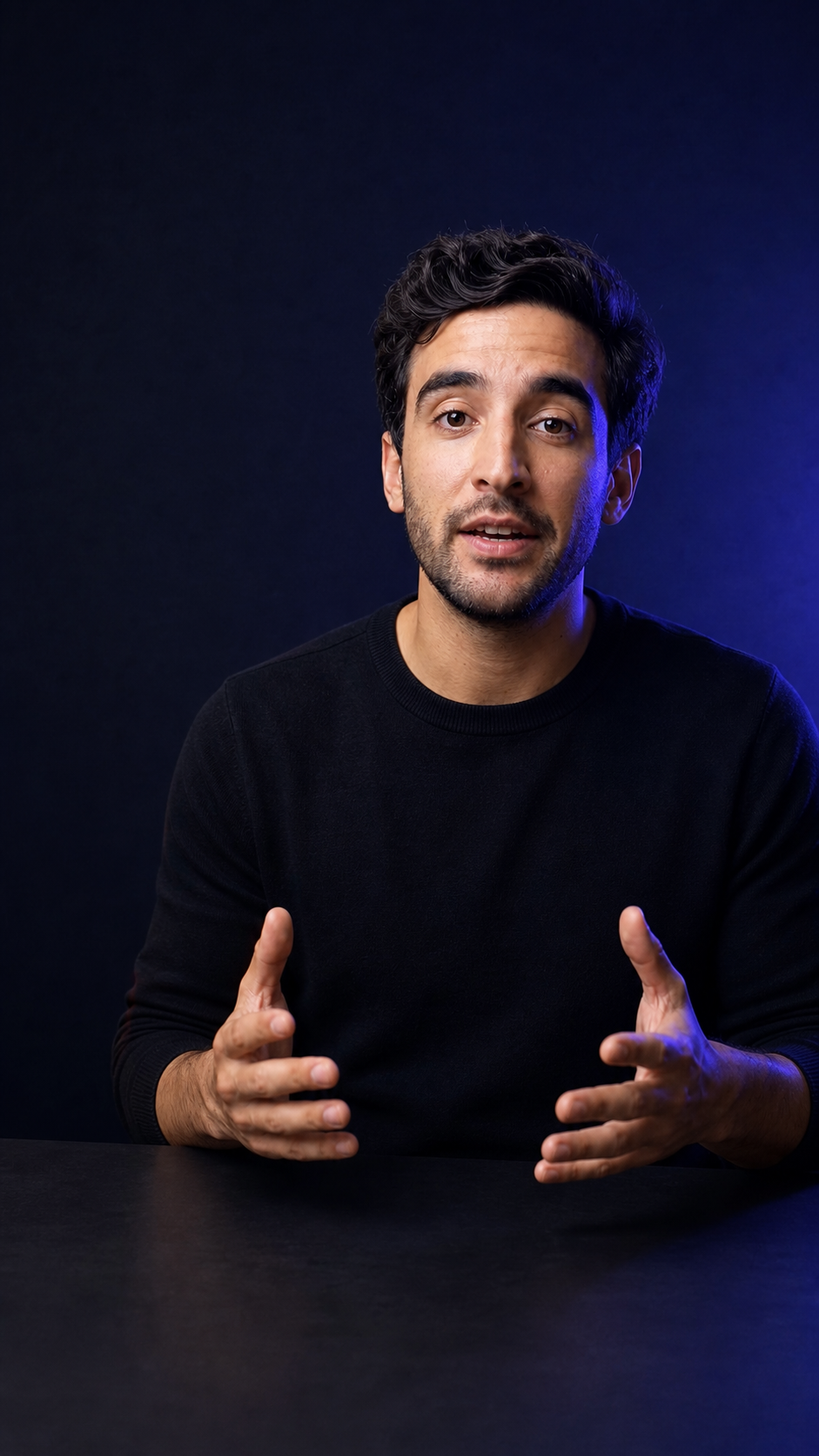
Stop wasting the first 5 seconds

Make the lesson stick
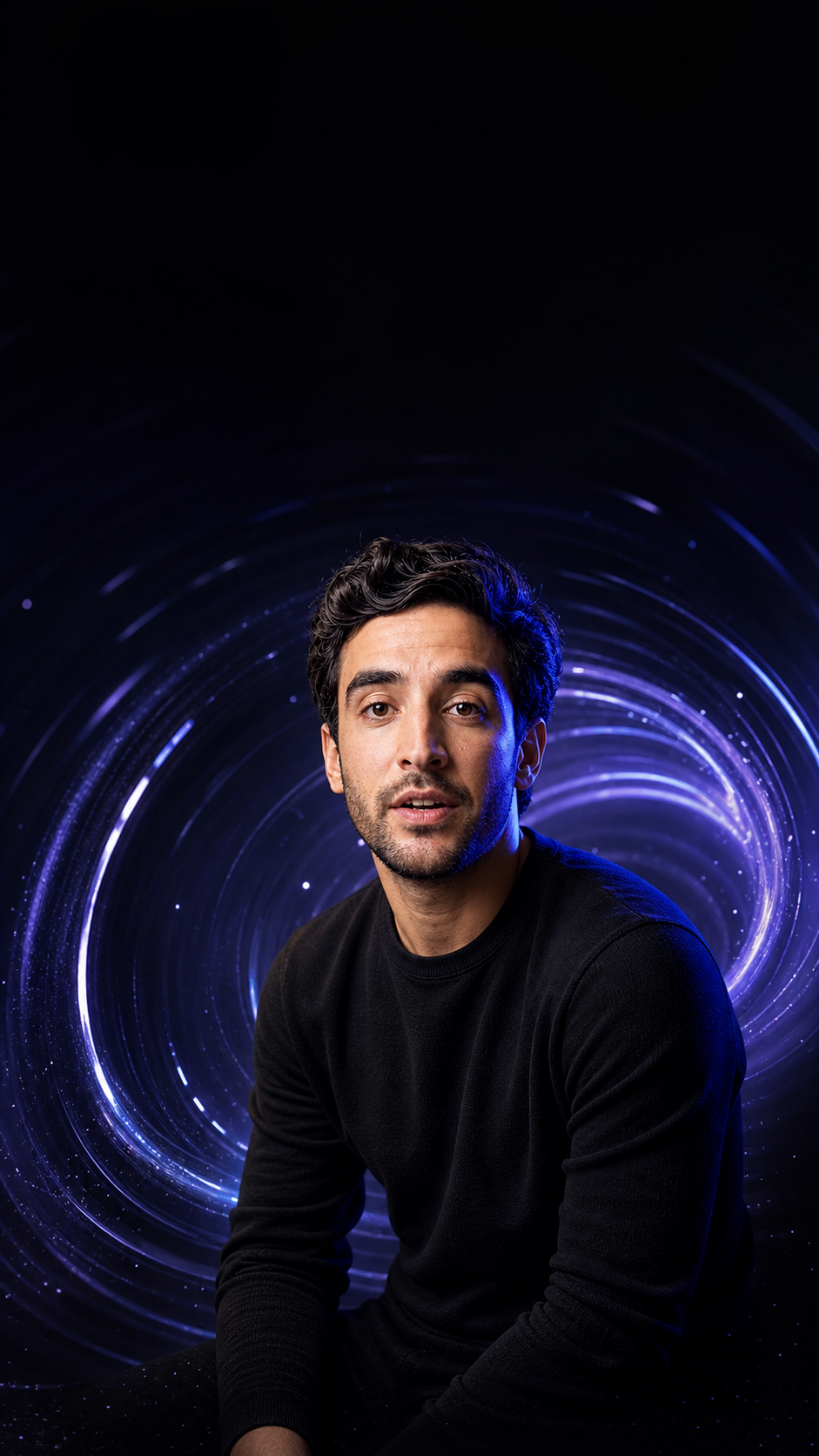
Turn one clip into a post
Thumbnail options from the same clip
Drop in any talking-head clip under 5 minutes.
Choose a designed caption look before you edit.
Fix the transcript and captions resync as you type.
Download the short with the hook and thumbnail done.
THE FULL FLOW
Captions, transcript, hooks, and thumbnails live in one place. Edit a word and the caption preview updates right away.
01 / HOOK
Moonshot reads your transcript and surfaces the 3 strongest opening lines — so you lead with the right hook.
From transcript
02 / CLEANUP
Click a word in the transcript to change it. The caption preview updates in real time — no timeline scrubbing.
Caption synced ✓
03 / PACKAGE
Pick a thumbnail and hook before export. The post is ready — not just the caption.
Caption styles
Pick a style and Moonshot handles the font, color, spacing, emphasis, and motion for every word. No keyframes or word-by-word animation.
Caption styles / Live preset preview
Preset
Preview syncedStates shown
Transcript control
The transcript is the editor. Fix a word, cut a filler, tighten a line — the caption track stays in sync without a timeline.
Transcript control / Word edit surface
Transcript
Caption syncedSelection
specific
Edit state
Filler removed
Preview
Live captions
Export
1080 x 1920
Packaging
Moonshot pulls hook lines from your transcript and builds thumbnail frames from the clip — so the whole post is ready, not just the captions.
Packaging / Thumbnail workflow

Clean frame
Thumbnail options
Hook from transcriptBuilt for repeat posting
One workflow you run again and again — so posting consistently stops being the hard part.
Turn one piece of advice into a captioned reel that looks credible.
Advice → ReelTurn a lesson clip into a short with readable emphasis and a hook that lands.
Lesson → ShortShip a product update without booking an editor.
Update → PostPull a highlight, clean the captions, export vertical in minutes.
Episode → ClipLoved by creators
Founders, marketers, and solo creators using Moonshot to turn raw clips into post-ready shorts.
ok Moonshot is unfair. uploaded a clip, picked a style, had a captioned short before my coffee was done. who built this
in Moonshot the transcript IS the editor. fix a word and the caption just updates. no timeline, no after effects, no crying
Moonshot captions look like a brand made them — not a default subtitle track. That's the whole reason people stop scrolling.
simply put. i'm a Moonshot fan and i use it every single day
First three shorts I made with Moonshot outperformed everything from the last two months combined. The hook lines just land.
i am genuinely terrible at editing and Moonshot made me look like i'm not. the thumbnail options from the same clip are a cheat code fr
with Moonshot we ship a product update as a short the SAME DAY now. editing used to be the bottleneck, it just isn't a thing anymore
tried to gatekeep Moonshot. couldn't. if you make talking-head shorts this is the fastest path to post-ready i've found
Moonshot's flow is pick the style first, then clean the words. Sounds like a small thing. Completely changed how often I actually post.
guys i have no idea how to edit video and i'm posting daily now. Moonshot just does the part i hate
honestly the most underrated part of Moonshot is the safe-area thing. captions never get cut off by the TikTok UI anymore.
Just a few years ago this was impossible. I'm honestly amazed at how far we've come — really impressive product.
Stop dreading the edit. Start shipping the post.
Upload, caption, clean, export
Free to start. No card needed.
Questions