Notes from the studio
Template breakdowns, the psychology of short-form attention, and the engineering underneath — person matting, watermark forensics, render pipelines.
40 field notes and practical guides.
Captions
11 articles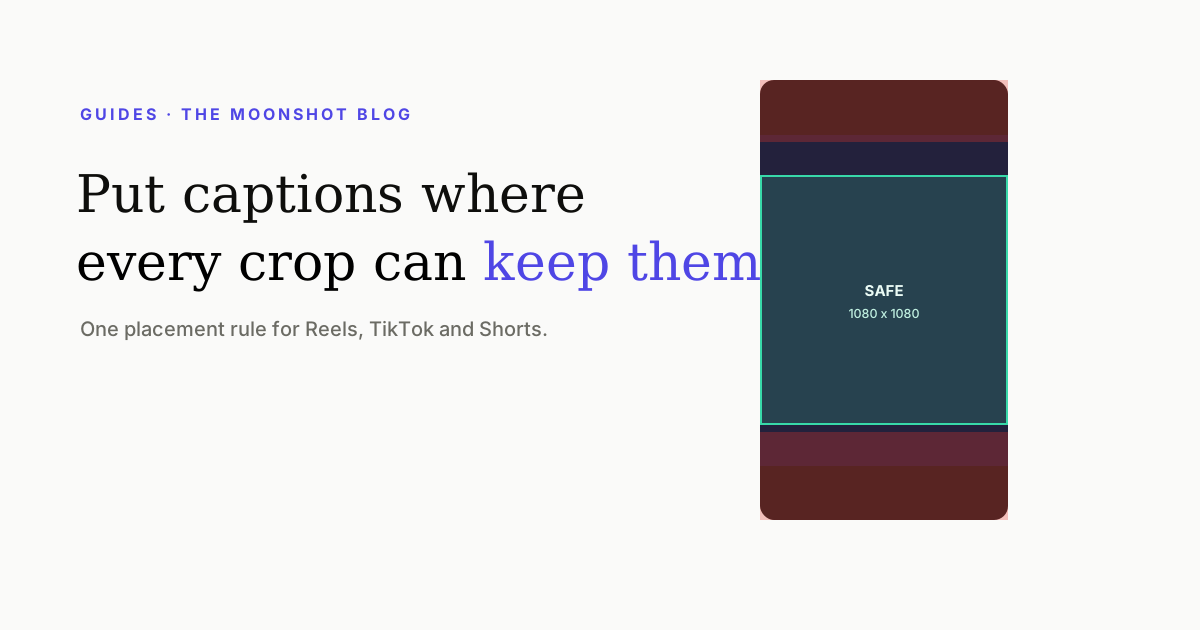
Where captions survive every vertical crop
The bottom feels natural until the interface covers it; the top feels safe until a two-line hook arrives. One placement rule keeps captions readable across Reels, TikTok, Shorts and profile-grid crops.
Fix auto captions in six passes
Do not reread the transcript six times looking for everything at once. Check names, numbers, timing, line breaks, emphasis and the final watch in separate passes so the errors become obvious.

How to add captions to Reels
The captions sticker, hand-placed text boxes, and burned-in captions from an editor. All three step by step, plus the structural limits of the built-in one that no tutorial mentions.
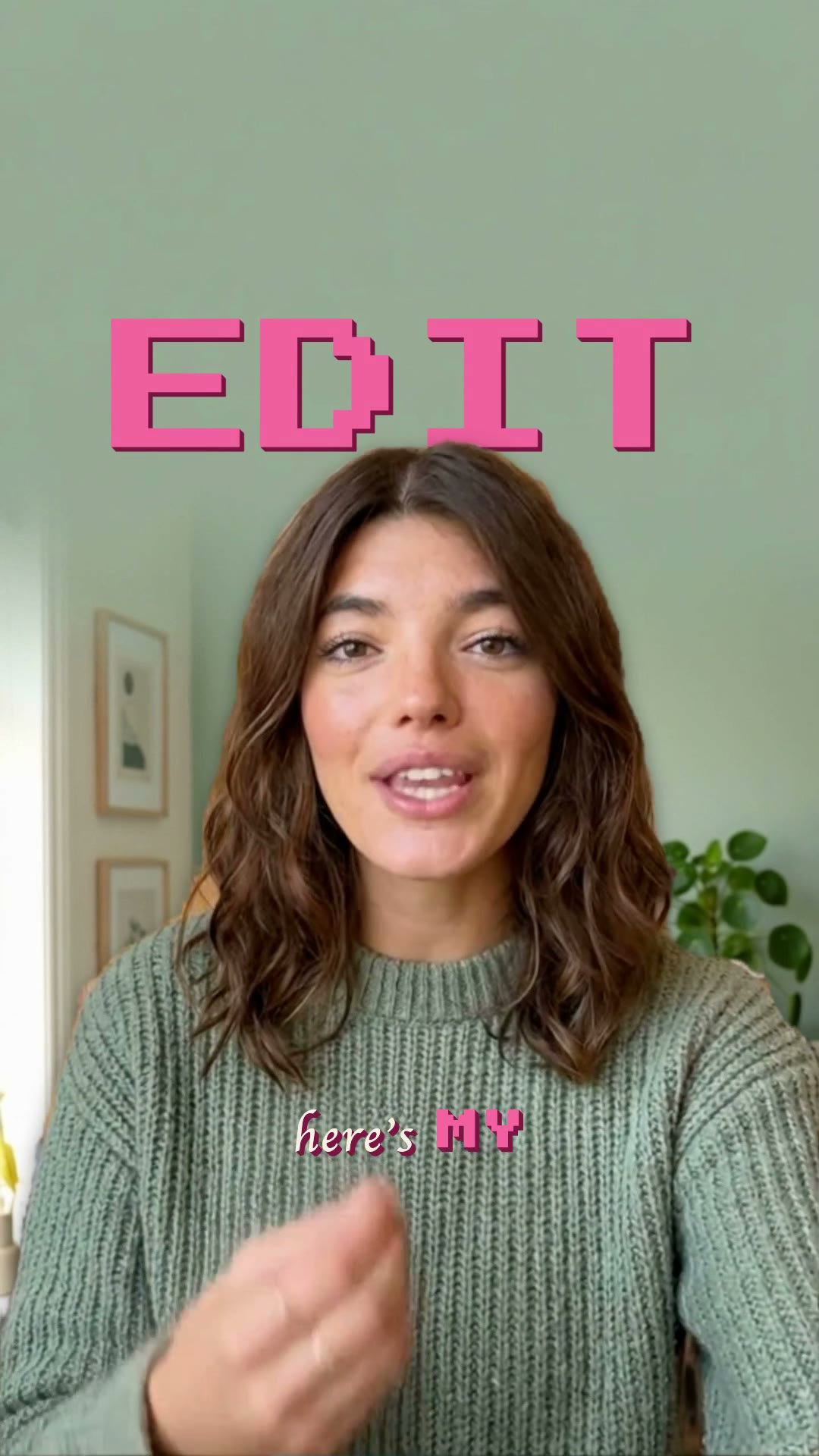
Text behind the subject, how to
Occlusion is the strongest depth cue human vision has, which is why a word your head passes in front of stops reading as an overlay. The hand method, the automatic one, and the placement problem nobody warns you about.

Fonts that read on a phone
Caption type is read in 400 milliseconds, at arm's length, over moving footage. Weight, x-height, aperture and width decide which typefaces survive that — and which are accent-only no matter how good they look on a laptop.

Hindi and Hinglish captions
Transcription that collapses at the language switch, matras clipped off the top of the line, and a Devanagari-or-Roman decision most creators make by accident. The three failures, and how to fix each one.
Why captions drift
Caption lag is almost never carelessness, it's a data model. Sentence-level timing, edits applied after captioning, and audio that was hard to transcribe — how to tell which one you have from the shape of the error.

Burned-in vs closed captions
One lives in your pixels, the other is a text track about your video. They fail differently, they serve different people, and on short-form the correct answer for most creators is both — which almost nobody does.

Which words to emphasise
Roughly one strong emphasis per 25 words of speech — so a 45-second clip gets a handful, not one per line. Which words earn it, which ones only feel like they do, and why stacking four devices cancels rather than compounds.

The Kumar template, explained
A vermilion editorial serif locked behind the speaker, a plain white subtitle in front — the anatomy of 2026's most copied caption look, and the perception science that makes it stop thumbs.

The caption styles that hold attention (and why)
Yellow boxes, karaoke highlights, neon glows, words that hide behind your head — a field guide to the caption styles dominating Reels and Shorts, with the attention science behind each one.
Hooks & retention
6 articles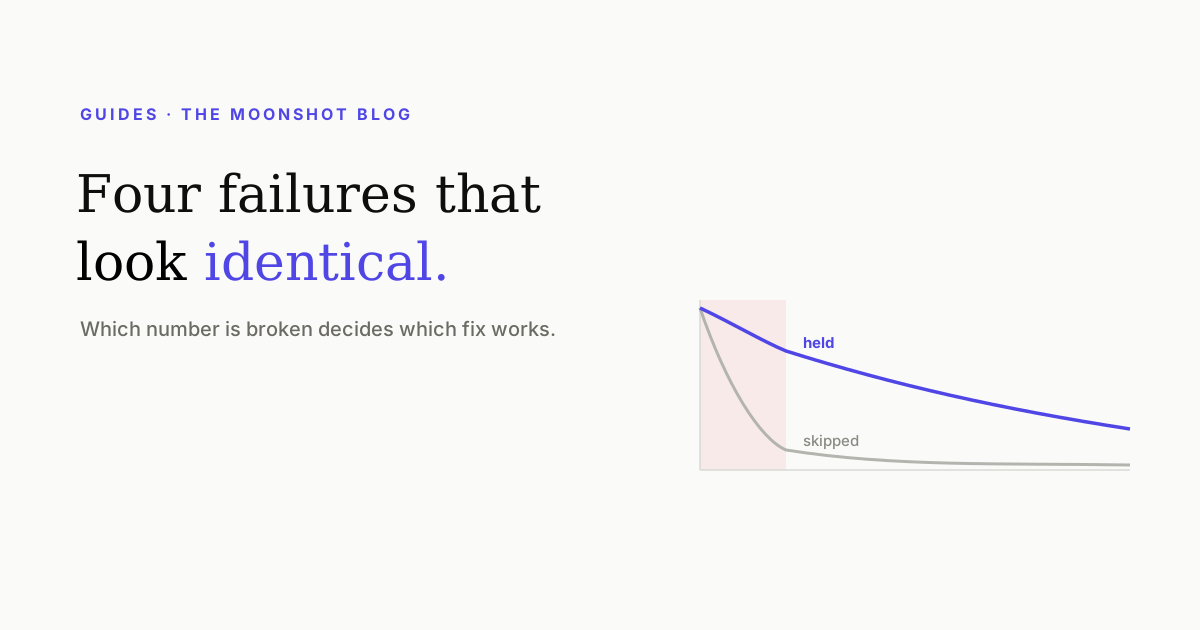
Why your Reels get no views
“No views” is a symptom with at least four unrelated causes, and the fix for a clip nobody starts is the opposite of the fix for one everybody finishes. A diagnostic you can run on your own insights in fifteen minutes.
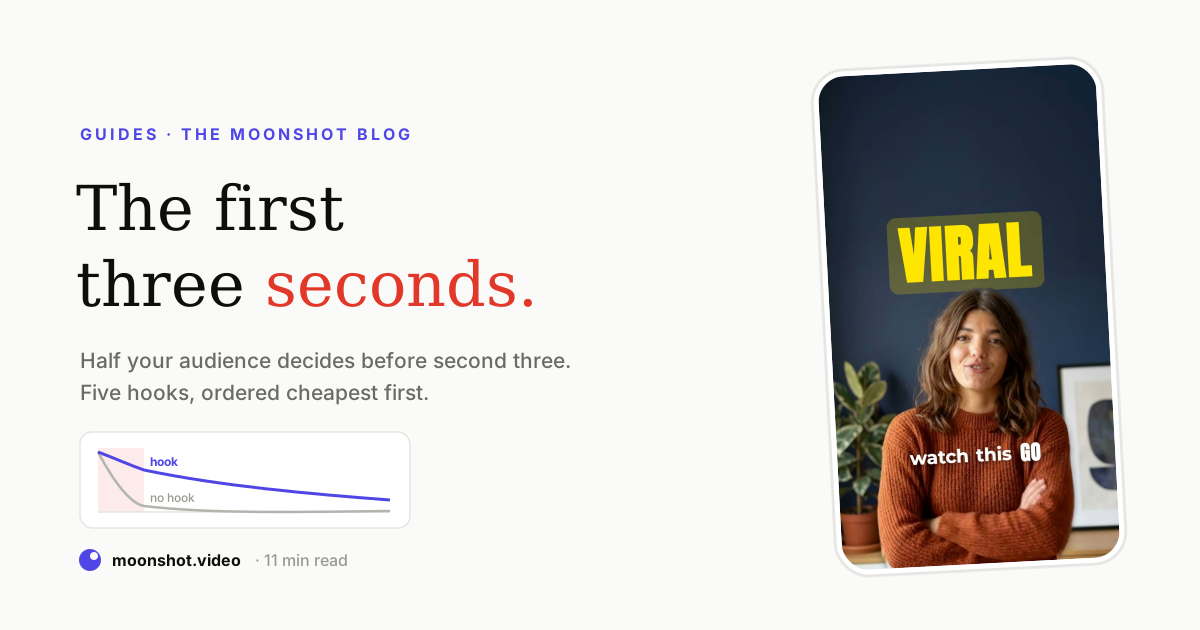
The first three seconds
Half your viewers decide before second three, and the platform reads that decision as a vote on distribution. A ladder of five hooks — text, spoken, visual, audio, structural — ordered cheapest first.

36 hook formulas
Swipe files go stale because they hand you wording, and wording is the part that wears out. Six mechanisms — curiosity gap, contradiction, address, stake, count, in medias res — with six lines each, so you can steal the move instead of the sentence.
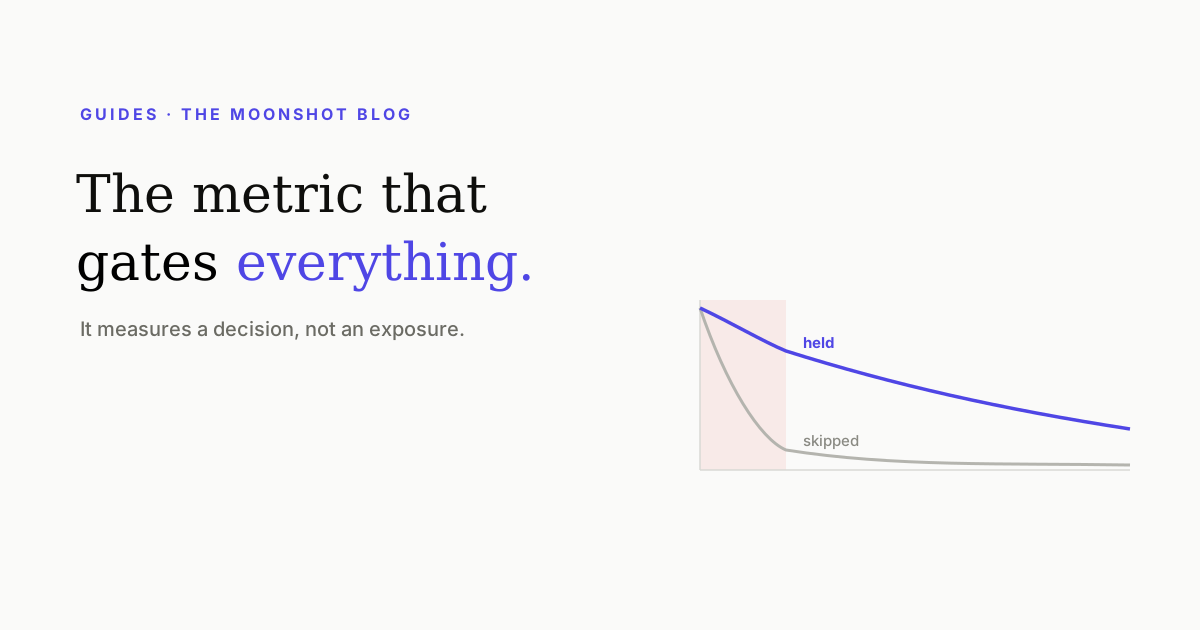
Skip rate, explained
Unlike views, it measures a decision somebody made about your video rather than how many people were shown it. What it is, why it runs before every other metric, and the five things that actually move it.
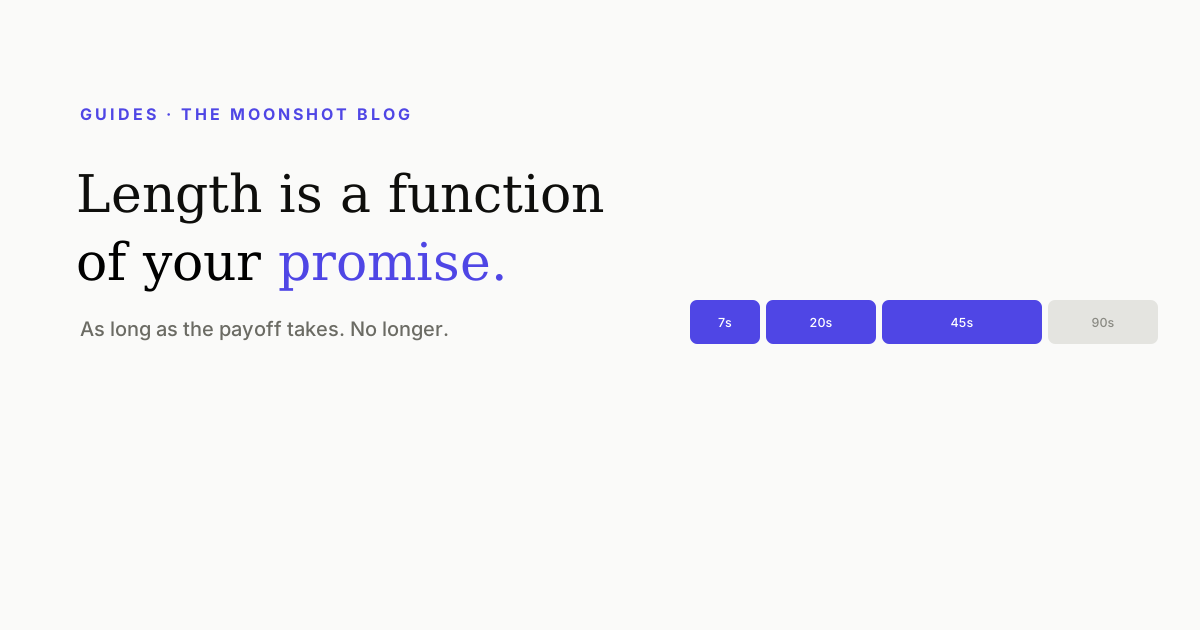
How long should a Reel be
Every guide quotes a different number because length isn't an independent variable — completion is measured against your own runtime. The rule that is stable: as long as the promise you opened with takes to pay off, and not a second more.
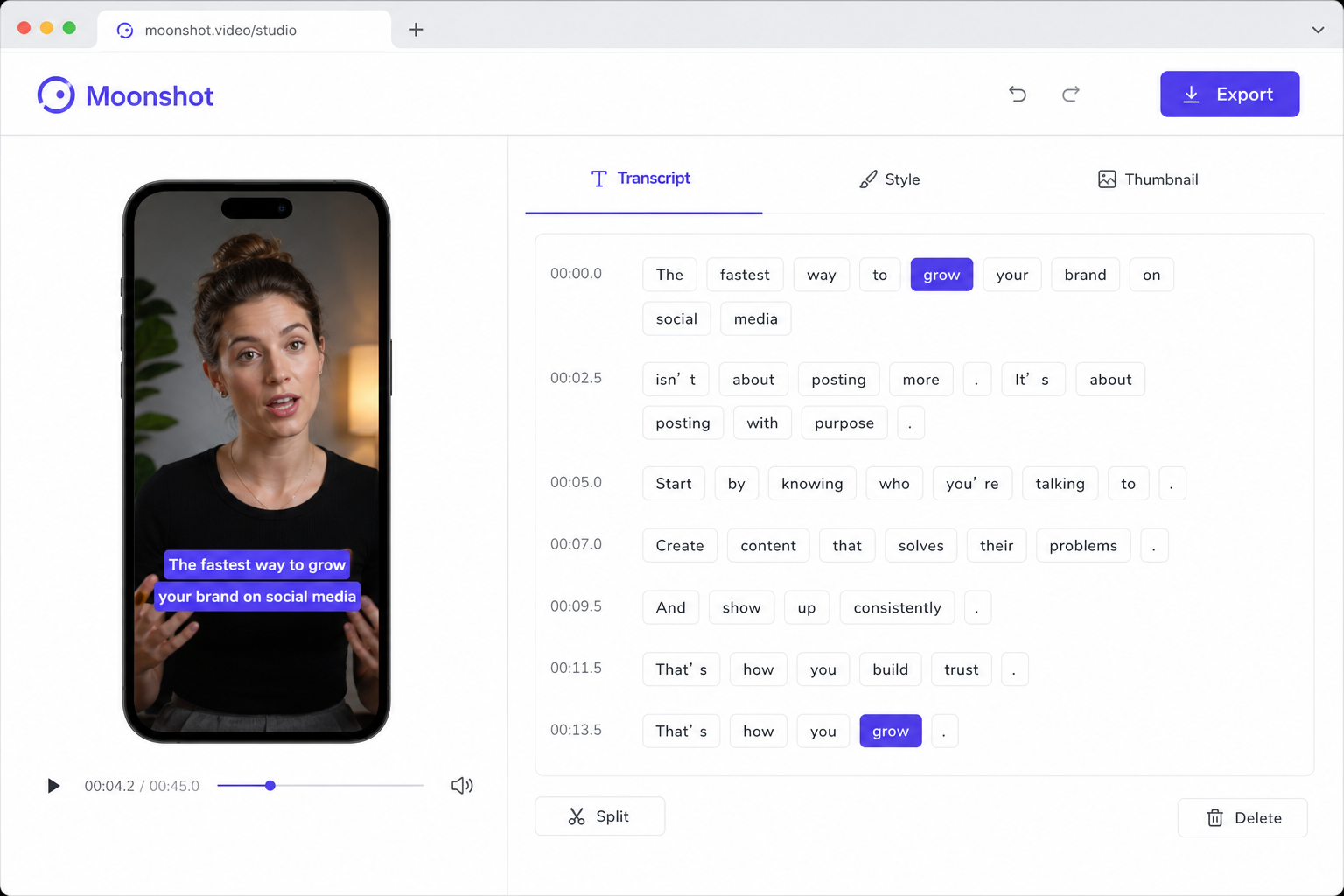
The cold open
Almost every recording opens with a runway — a greeting, a throat-clear, some setup — and it consumes the exact seconds in which strangers decide whether to stay. How to find the cut, and why the context doesn't need deleting, only demoting.
Covers & thumbnails
7 articles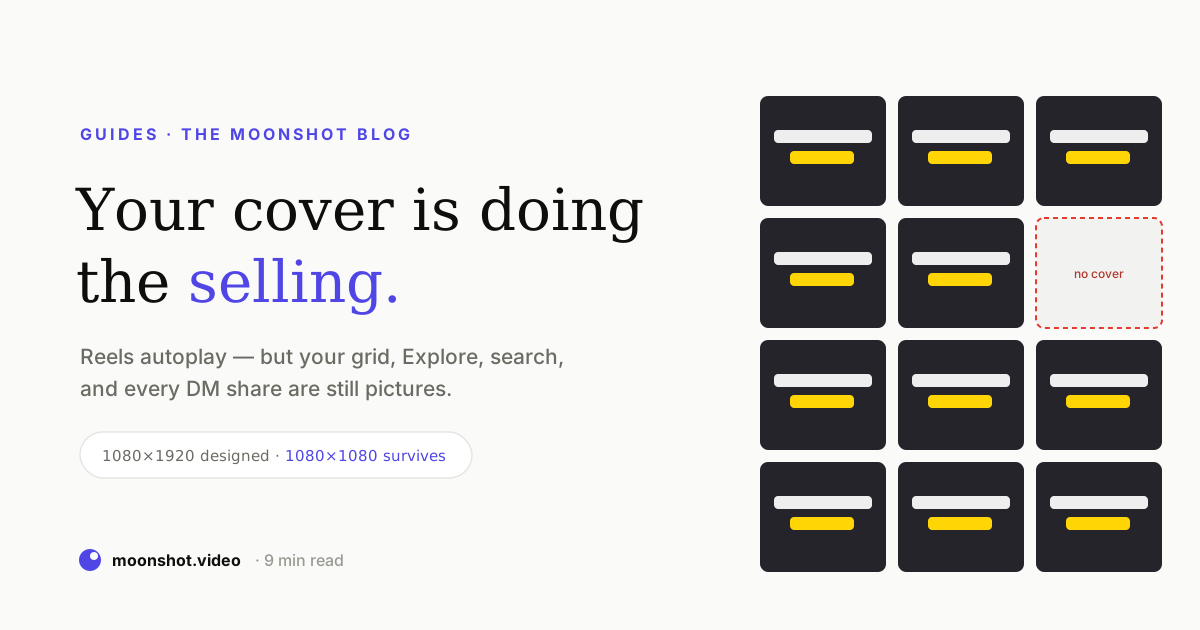
Your cover is doing more work than you think
Reels autoplay, so the cover doesn't matter — except on your grid, in Explore, in search, in the suggested rail and in every DM share. Five of the six places your clip appears are pictures, and the default one is the worst one.

Safe zones, in numbers
1080 × 1920 is the easy part. The interface eats the top 14% and bottom 20%, the button column takes the right fifth, and your profile grid throws away everything outside a centred 3:4 slice. One rule survives all of it.

Judging an AI thumbnail generator
They all demo identically and behave nothing alike on your own video. The dividing question is whether the tool puts you in the picture or generates art that could belong to anyone — plus four more that matter in week three.

Change a cover after posting
One of the few genuinely retroactive fixes in social media. A feed impression happens once; a grid tile keeps being seen by every future profile visitor. How to change it, which posts are worth it, and where to stop.

Thumbnail grammar vs volume
The most-copied thumbnail style on the internet is copied badly: people take the saturation and the shocked face instead of the grammar. One subject, one idea, three colours, nothing small — and the register that usually shouldn't transfer.
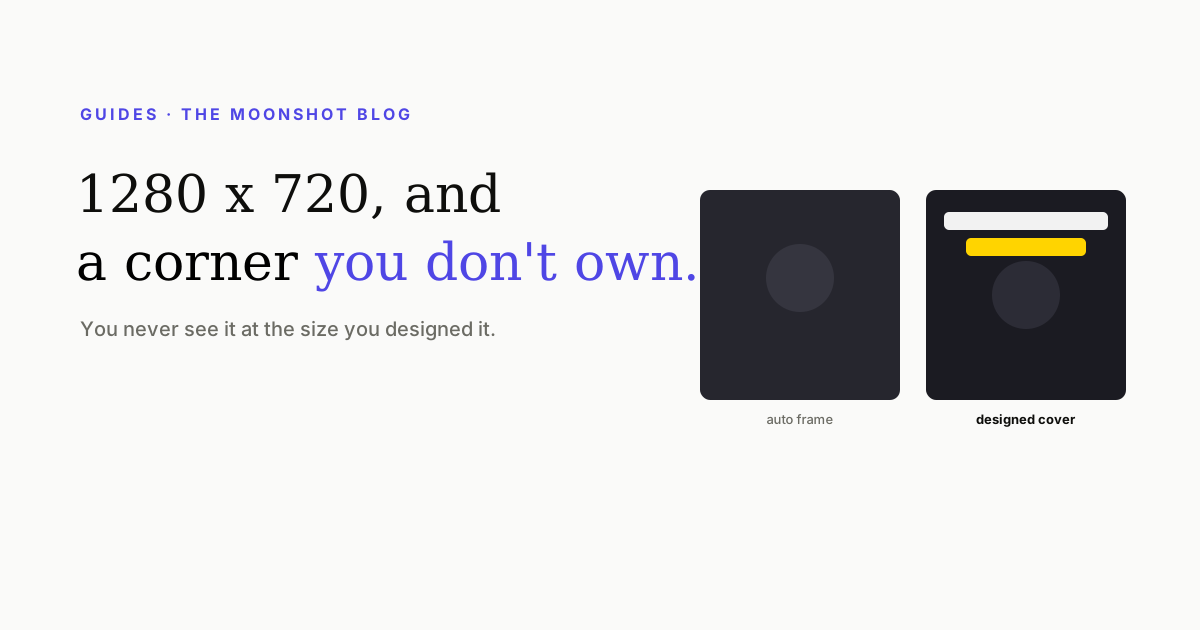
YouTube thumbnail sizes
1280 × 720 takes one line. What's worth knowing is that you never see the thumbnail at the size you designed it, that the bottom-right corner belongs to the duration badge, and that Shorts stills are a different composition entirely.

Design a grid, not nine posts
A profile visit is the highest-intent moment in your funnel, and it's decided on nine still images read as a set. Three decisions — one accent colour, one headline face, one composition — do almost all of the work.
AI media
7 articles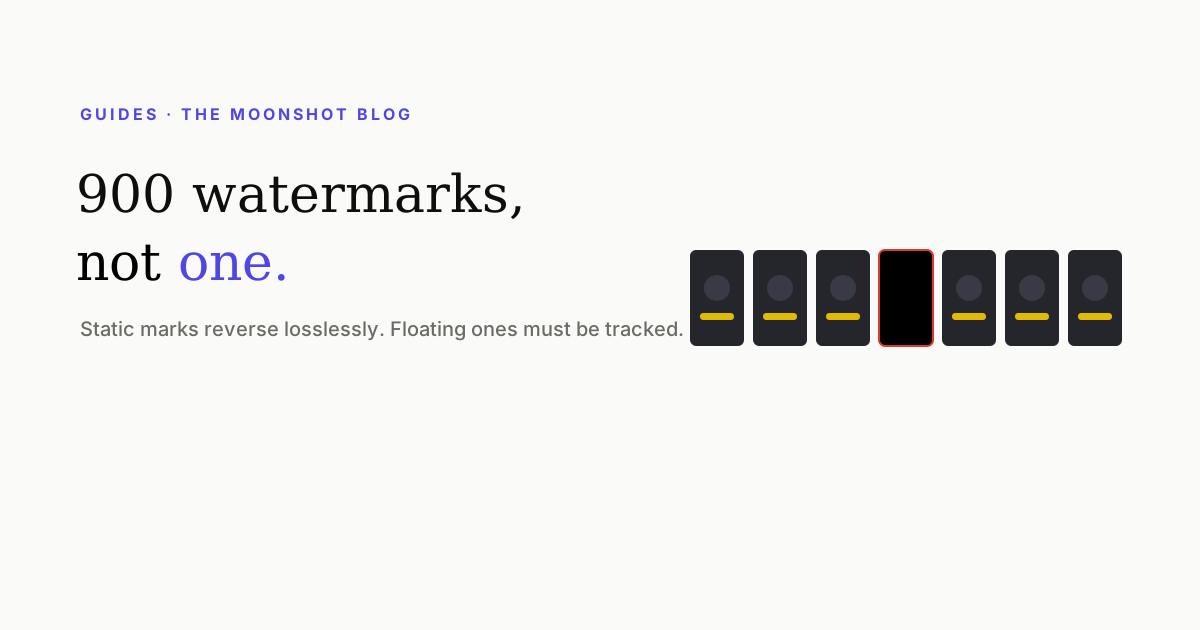
The AI video watermark problem
A 30-second clip has 900 watermarks, not one — and on Veo, Gemini and Sora they float, scale and pulse. Why static marks come off losslessly, why moving ones have to be tracked and rebuilt, and why so many tools leave a blurred rectangle.
Your AI-edited photo is telling on you
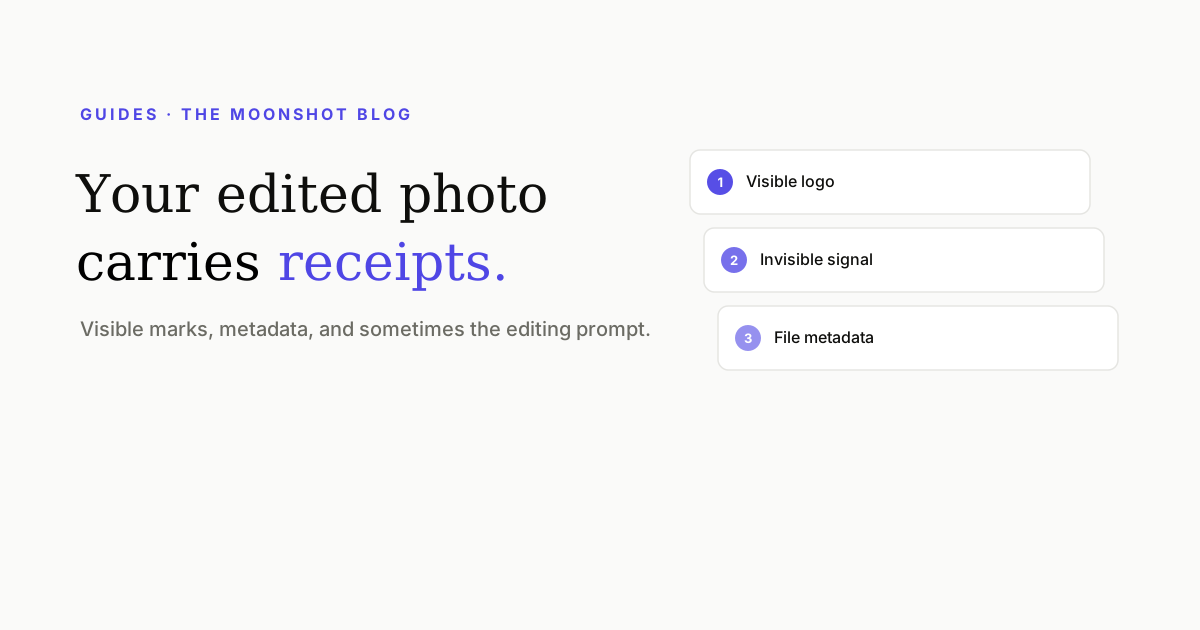
Retouched a photo with Gemini before uploading it to Hinge? The file carries receipts — a visible sparkle, 'made with AI' metadata, sometimes your literal editing prompt. What's in there, who reads it, and how to clean it up.
Is removing a watermark legal?
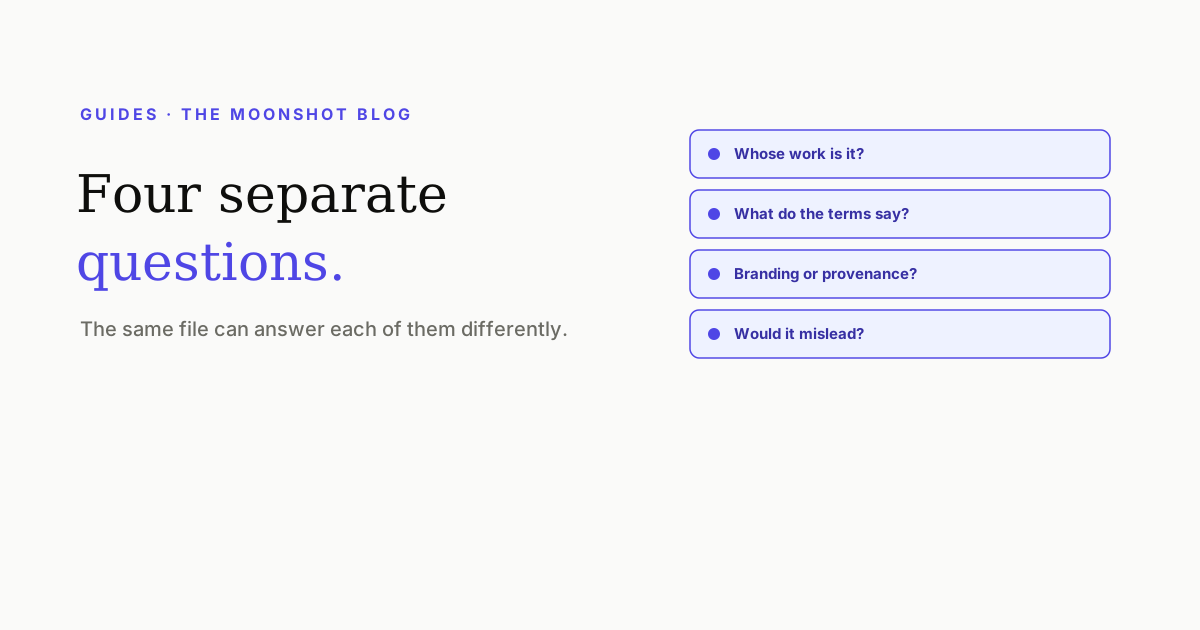
Whose work is it, what do the tool's terms say, is the mark branding or provenance, and would the result mislead anyone? The same file can get different answers to each — here's how to sort them out.
What survives an edit
A visible logo, a pixel-level signal like SynthID, and a signed provenance record all answer “is this AI?” differently — and survive completely different things. A table of what makes it through a crop, a screenshot and a social upload.
When B-roll helps
Cutting away every few seconds optimises for change and ignores meaning. A cutaway that shows what words can't is worth the attention; one that shows a skyline is filler — and faces hold attention better than filler.
Replaced backgrounds
Segmentation isn't the hard part any more. Edges, lighting and depth all have to agree before a composite reads as real — and for most talking-head clips, blurring the room you're in beats replacing it.
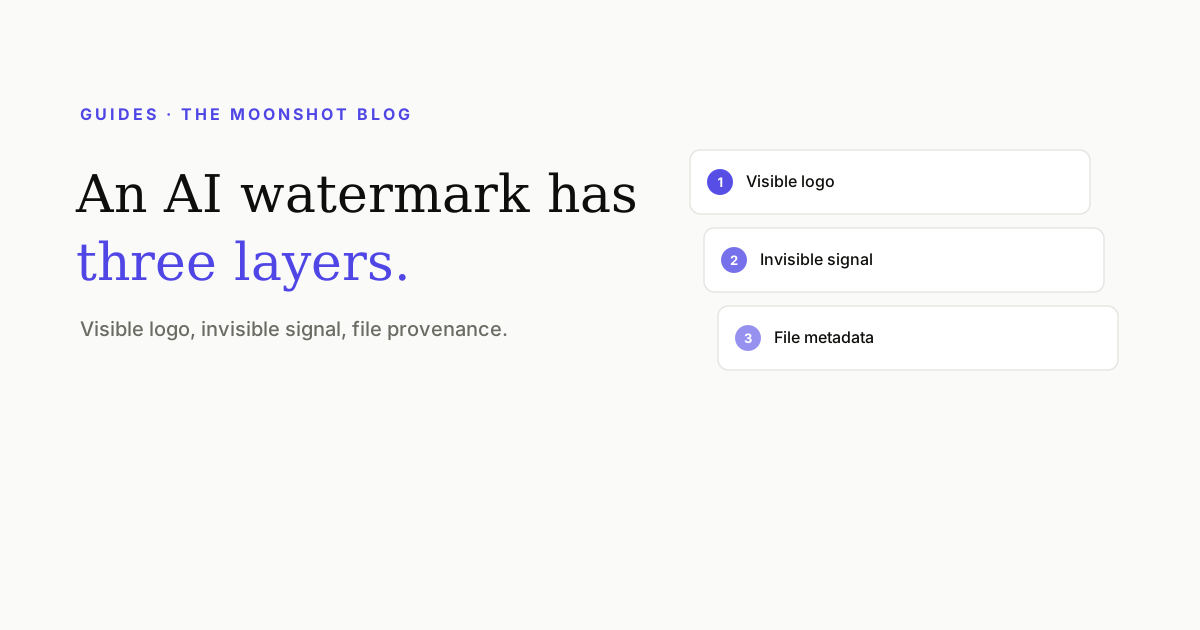
The three layers of an AI watermark
Visible logos, invisible signals like SynthID, and provenance metadata like C2PA — every AI-generated image ships with up to three kinds of watermark. Each lives in a different place and comes off a different way.
Comparisons
3 articles
Submagic alternatives, honestly
One query, four different shoppers: cheaper, better-looking, a long-form clipper, or the whole finishing job in one pass. Which category you're in decides everything — and in two of the four cases it isn't us.

The general-editor caption tax
A timeline is the right model for editing video and the wrong one for editing speech. The five tasks where transcript-first editing is an order of magnitude faster — and the four places a general editor still plainly wins.
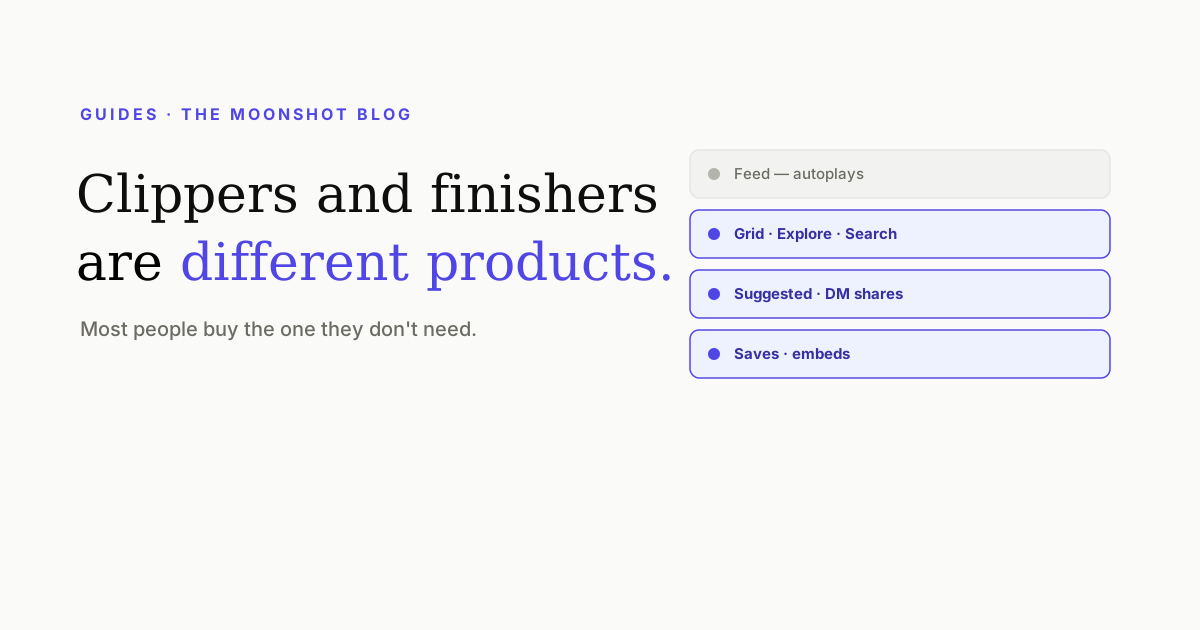
Clippers vs finishers
A clipper mines a two-hour recording for the good bits. A finisher takes a clip and makes it worth posting. Both put captions on a vertical video in the screenshots, which is how people end up paying to solve a problem they don't have.
Engineering
4 articles
Transcripts that invent sentences
Fluent, grammatical text in a language nobody in the video speaks, scored at maximum confidence, over a passage of instrumental music. Why models do it, why the obvious filter deletes real words, and the two-signal rule that doesn't.
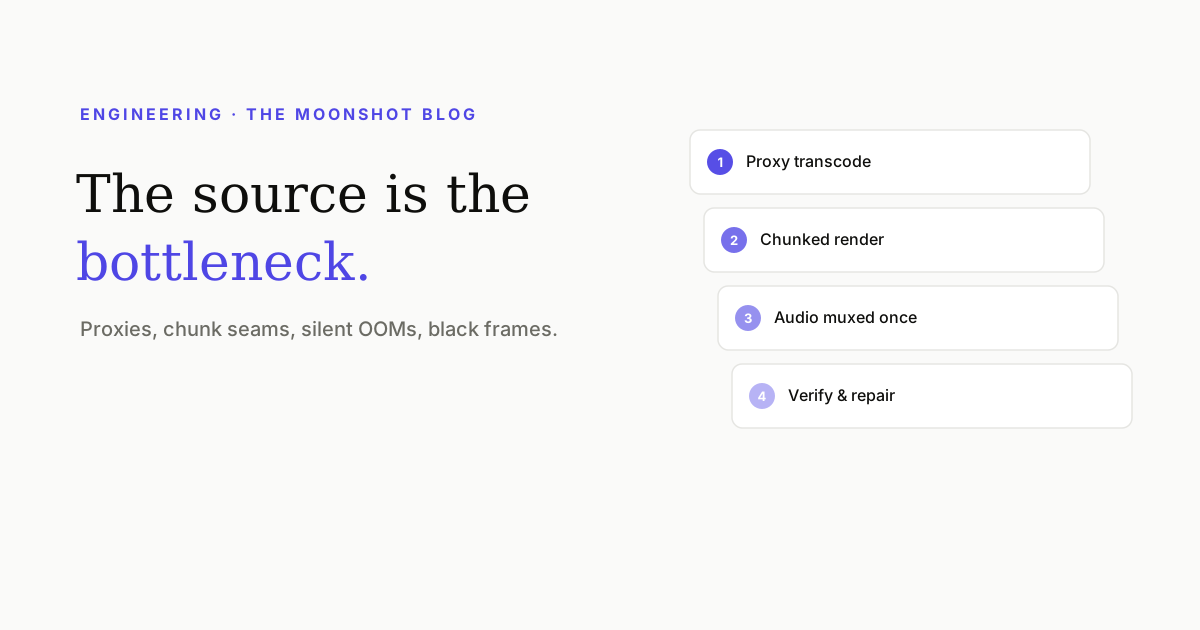
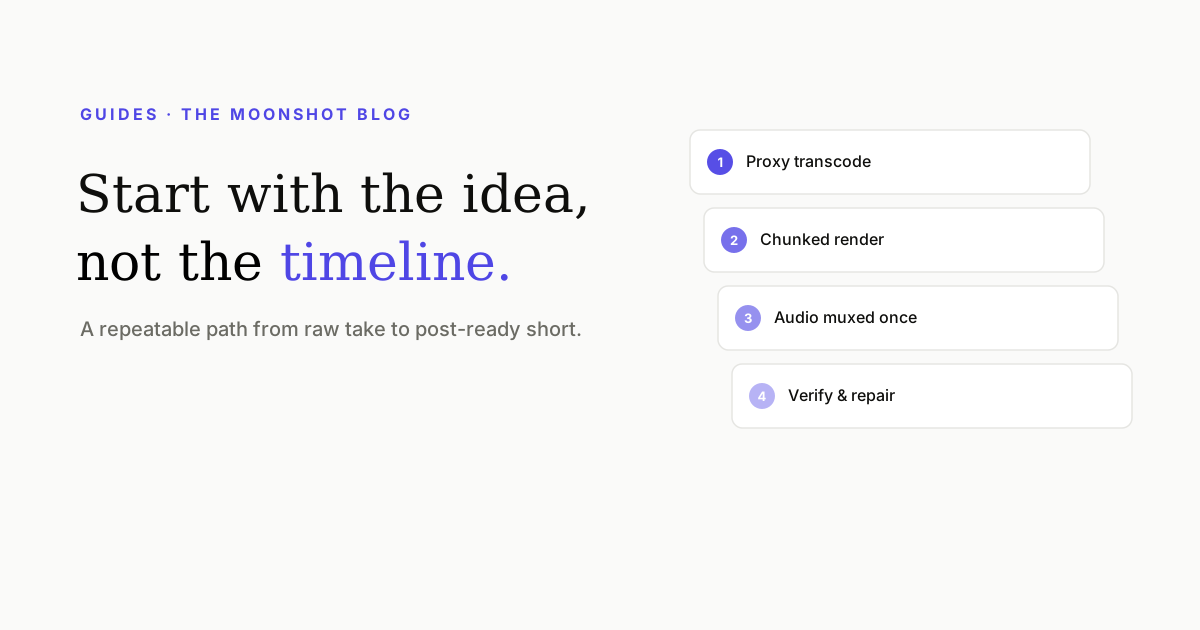
Exporting a 4K vertical video
The source is the bottleneck, not the render. The GPU you attached may be idle. Chunking is easy and the seams are not. Memory limits kill workers silently. And one black frame ruins 1349 good ones.
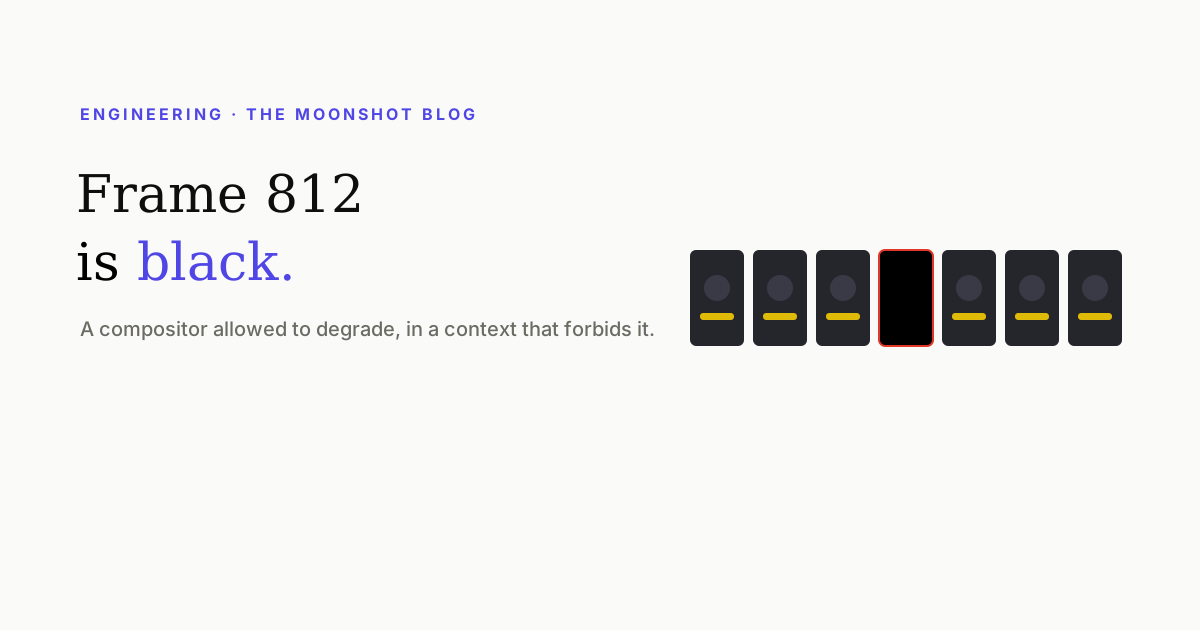
Why headless renders drop frames
Frame 812 is black. Re-run it and frame 1109 is black instead. A compositor allowed to degrade under load, used in a context that forbids it — and why the correct fix is verification with no escape hatches.
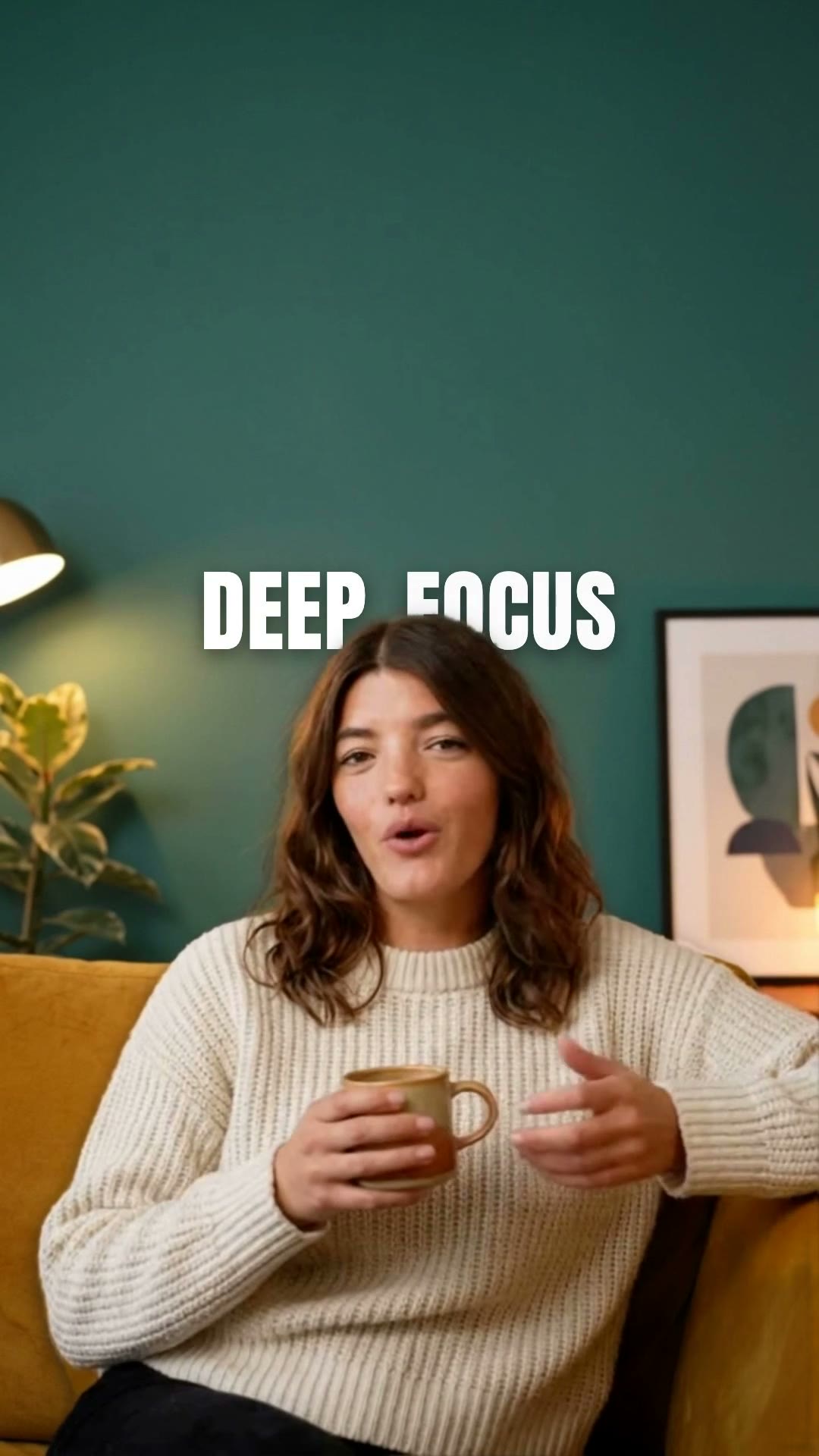
How we put text behind your head
Behind-the-subject captions need a per-frame person cutout. Ours comes from two pipelines: a 244 KB segmenter running in your browser for instant preview, and a recurrent matting network on datacenter GPUs for export. Here's the whole system, including the failures.