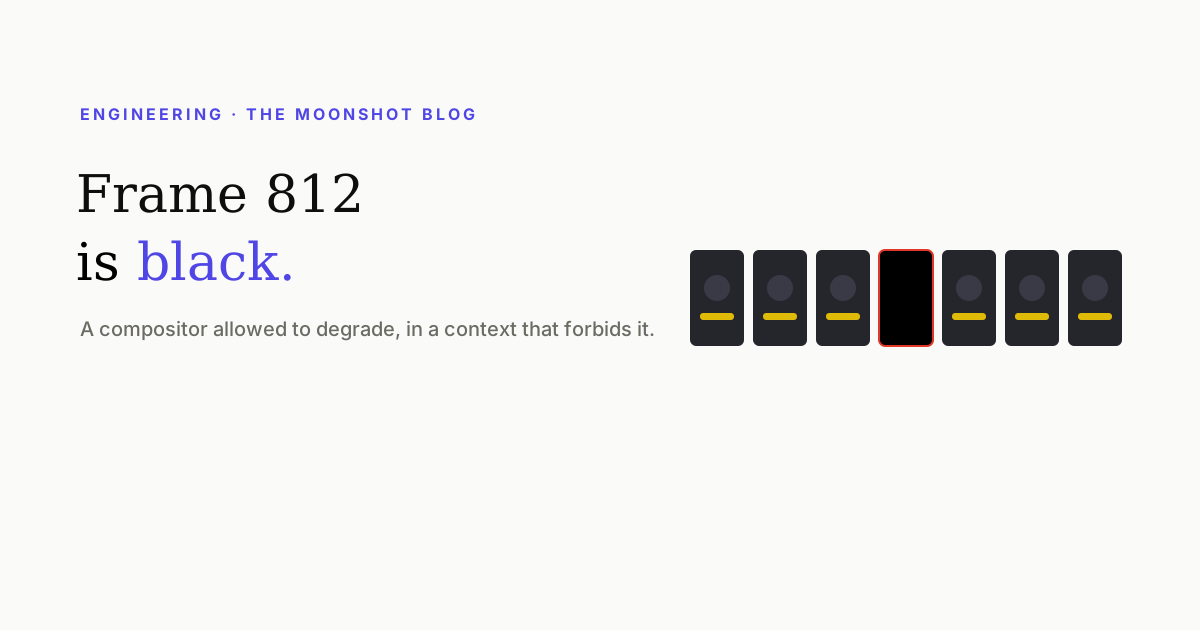
A finished export, 1350 frames, all correct except frame 812, which is black. Re-run it and frame 812 is fine and frame 1109 is black. Nothing in your code changed, nothing in the page is wrong, and the failure will never reproduce on the machine you debug it on. This is one of the more instructive bugs in browser-based video rendering, mostly because the correct fix is not to fix it.
What’s actually happening
A browser doesn’t draw your page in one operation. The compositor divides the surface into tiles, rasterises them — often on other threads — and assembles the result. That pipeline is built around a rendering loop that can drop work when it’s behind: dropping a frame in a real browser costs a moment of jank, which is the right trade for interactive use.
When you capture frames for a video, that trade is catastrophic. If a tile hasn’t been rasterised at capture time, what you get is the empty backing store. Fully black if the whole surface missed; a black rectangle over otherwise-perfect content if one tile did.
- It’s load-dependent. More likely when several renders share a machine, when memory is constrained, when the page is heavy — video decoding, large images, complex effects.
- It’s non-deterministic. Same input, different frames affected. Which also means bisecting for a cause is a trap.
- It survives every “wait for X” you can write. Your content is ready; the rasteriser is behind. Waiting on the DOM doesn’t address it.
Detection: one detector isn’t enough
The obvious check — is this frame mostly black? — catches complete dropouts and misses the common case. A single dropped tile is a small region, and on footage that is legitimately dark it won’t move a whole-frame average at all.
So you need two:
- Absolute darkness. Frames that are overwhelmingly black. Set the threshold lower than feels necessary — a partially-dropped frame is still broken, and legitimately black frames in a caption video are rare enough to inspect by hand.
- Neighbour divergence. Compare each frame to the ones on either side and flag sudden localised change. Real video is temporally smooth; a tile dropout is not. This is what catches the small rectangles.
Repair, and the loop that has to close
The fix for a bad frame is to render that single frame on its own — as a still, with the machine not under load — and splice it back into the sequence. Straightforward, with two traps that turned out to matter more than the original bug.
- Never cap the repair. A limit like “patch up to sixteen frames, then accept the render” is a rule that ships a broken video precisely when things went most wrong. If the output can’t be made clean, fail loudly instead.
- Always re-scan after patching. The repair pass can produce its own bad frame. It can also capture the page in a different state — the one that cost us most was repairs rendering before web fonts loaded, producing frames that were correctly lit and had subtly mis-sized type, so a fix for a visible bug introduced an invisible one.
The loop, then: scan → patch → scan → patch, until a scan comes back clean, or throw.
The generalisable part
This bug is a specific instance of a pattern worth recognising: a component whose contract permits degradation, used in a context that forbids it. The compositor is behaving correctly — it is allowed to drop work under load. The problem is that the video pipeline treats every frame as mandatory.
Whenever you use a real-time system for an offline job, the same shape appears. The fix is rarely to make the component perfect. It is to add verification at the boundary, and to make the verification a loop with no escape hatches — because every escape hatch is the branch that will ship the defect.
The rest of the pipeline this lives in — proxies, chunking, GPU fallbacks, streaming — is in Everything that goes wrong exporting a 4K vertical video.
Quick answers
Why does headless Chrome produce black or partially black frames?
Under memory or CPU pressure the compositor can fail to produce raster tiles for a region in time, and what gets captured is the empty backing store — black, or a black rectangle over otherwise correct content. It's a timing and resource failure, not a bug in your page.
Why can't I reproduce it?
Because it's load-dependent. It appears when several renders share a machine, when memory is tight, or when the page is heavy — and vanishes the moment you run one render on an idle laptop to investigate. Any fix validated only on an idle machine hasn't been validated.
How do you detect a black frame reliably?
Two detectors, not one. A whole-frame darkness check catches fully black frames, but a partial tile dropout on already-dark footage won't trip it — for that you need to compare each frame against its neighbours and flag sudden localised divergence.
Is re-rendering the frame enough?
Only if you re-scan afterwards. A repair pass can itself produce a bad frame, or capture the page in a different state — for instance before web fonts have loaded, which yields a correctly-lit frame with subtly wrong type. Patch, then scan again, and loop until clean.
The output side of all this
Every Moonshot export runs the scan-and-repair loop described here before you ever see the file.
Open Moonshot free