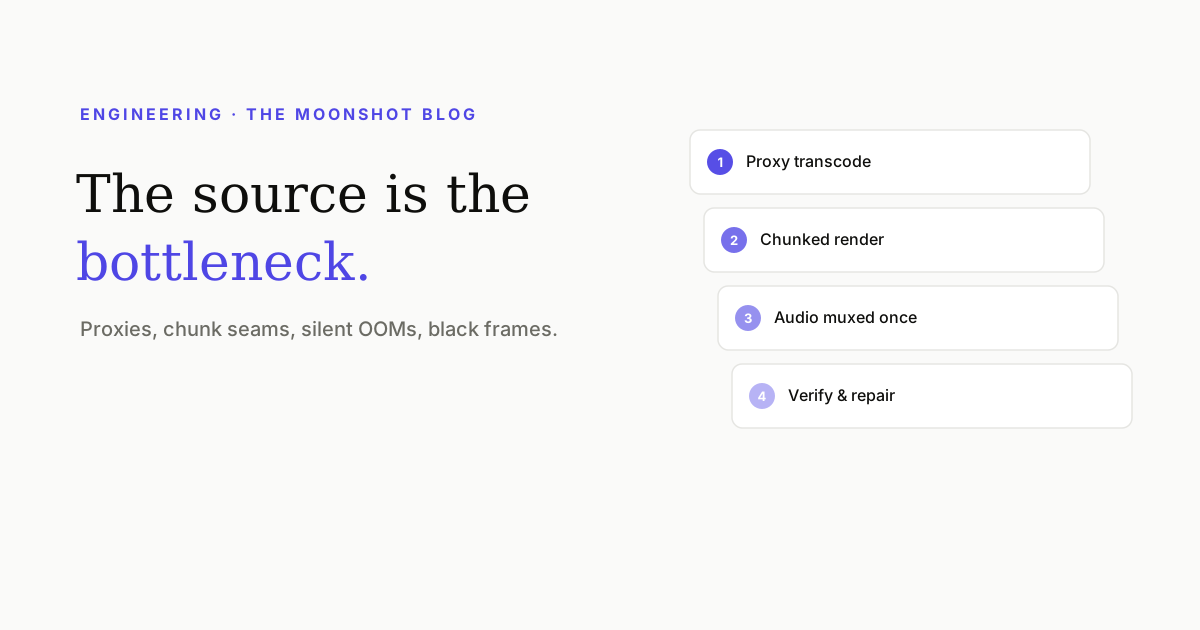
“Render a 45-second vertical video with captions” sounds like a solved problem until the source is a 4K HDR clip from someone’s phone, the compositor is a headless browser, and the whole thing runs on ephemeral cloud containers with a memory limit and a timeout. Here are the failures that actually cost us time, in the order we hit them.
1. The source is the bottleneck, not the render
The intuition is that drawing captions is the expensive part. It isn’t. Decoding the source is — and modern phone footage is genuinely hard to decode: high resolution, 10-bit, HDR transfer functions, and codecs chosen for storage efficiency rather than decode speed.
Every frame of the render pays that cost again, so the fix is to pay it once: transcode the source to a cheap, seek-friendly intermediate at the resolution you’ll actually composite at, then render from that. Two details that turn out to matter more than expected:
- Make it seek-friendly. A file whose index sits at the end forces a reader to fetch the tail before it can do anything — and over a network that can mean throttling, retries, or a stalled player.
- Tone-map deliberately. Truncating 10-bit HDR to 8-bit while keeping the HDR signalling produces a washed-out, greyish result that looks like a colour bug and is actually a metadata bug.
2. The GPU that isn’t being used
Attach a GPU to a container, run a browser-based renderer, and watch utilisation sit at zero. The browser silently fell back to software rasterisation — because the driver capabilities weren’t exposed, or the ICD manifests weren’t where it looks, or the headless mode in use doesn’t take that path at all.
Two lessons, both learned expensively:
- Verify acceleration in the deployed environment, not locally. A GPU-capability check that runs on the actual container is worth more than any amount of configuration confidence.
- Split the work by what actually benefits. Machine-learning inference — person matting, for instance — is transformed by a GPU. Browser compositing may not be. A pipeline where the ML runs on accelerated hardware and the compositing runs on plentiful CPU can beat trying to force everything onto one machine.
3. Chunking, and the seams
Long renders hit wall-clock limits, so you split into frame ranges and fan them out. The rendering part is easy. The seams are where the bugs live:
- Audio must not be chunked the same way. Encode audio per chunk and each boundary carries the codec’s alignment padding; concatenate and those pads accumulate, so a 40-second clip acquires an extra second of audio and drifts against the picture. Render the timeline’s audio once, mux it once.
- Anything with per-frame state must be deterministic. If a caption’s auto-fit measures differently depending on which frame a worker started at, adjacent chunks disagree and the text visibly pulses at the boundary.
- Fonts have to be loaded before the first frame. A worker that renders before web fonts resolve measures fallback metrics — and produces a chunk where the type is subtly the wrong size.
4. Memory, and the container that dies quietly
Downloading a multi-gigabyte source into a container’s temporary filesystem is a memory allocation, not a disk write, on platforms where /tmp is a RAM disk. The worker doesn’t crash with a helpful message — it gets killed, and the job appears to hang.
Stream instead: read the source over a signed URL with ranged requests, and only fall back to downloading when the file is small enough to be certain. Similarly, buffering a finished video in memory to return it in one response will hit a platform’s response-size limit at exactly the moment the user sees 100% — an especially cruel failure. Stream the response.
5. Black frames, and detecting rather than preventing
Under load, a browser compositor can fail to produce raster tiles for a frame. You get a black frame, or a partially black one, in an otherwise perfect render. It’s transient, it doesn’t reproduce, and it is unacceptable in a deliverable.
You can’t reliably prevent it, so the pipeline has to assume it: scan the output for black and near-black frames, re-render the offenders individually, splice them back in, and scan again. The tempting shortcuts — a cap on how many frames you’ll repair, or trusting the repair without re-scanning — are exactly how a defect ships. If it can’t be made clean, failing loudly beats delivering a video with a hole in it.
That one has its own write-up in Why headless renders drop frames.
The general shape of it
- Find the real bottleneck before optimising. It’s usually decode, not draw.
- Verify hardware acceleration where the code runs, not where it was written.
- Parallelise the part that’s embarrassingly parallel; keep audio whole.
- Stream everything large, in both directions.
- Assume transient corruption and verify the output, because users see frames, not averages.
Quick answers
Why is rendering a short video so slow?
Usually not the rendering. On a phone-shot clip the dominant cost is decoding the source: modern phones record 4K HDR in codecs that are expensive to decode, and every frame of the render pays that cost again. Transcoding once to a cheap intermediate is typically the single biggest win available.
Should video rendering happen on a GPU?
It depends which part. Machine-learning work like person matting is enormously faster on a GPU. Browser-based compositing often isn't, because headless browsers can quietly fall back to software rasterisation — and an attached GPU sitting at 0% while you pay for it is a common and invisible failure.
How do you render a long clip without hitting a timeout?
Split it into frame ranges, render them in parallel across workers, and concatenate. The subtleties are in the seams: audio has to be handled as one continuous pass rather than per chunk, or the encoder's alignment padding accumulates at every boundary and the audio drifts.
What causes single black frames in an export?
In browser-based rendering, dropped raster tiles under load — the compositor fails to produce content for a frame and you get black or partial black. It's transient, it doesn't reproduce reliably, and the only robust answer is to detect and repair rather than to prevent.
See the pipeline from the other side
Upload a clip and watch it come back captioned, hooked and covered — with all of the above happening somewhere you don't have to think about.
Open Moonshot free