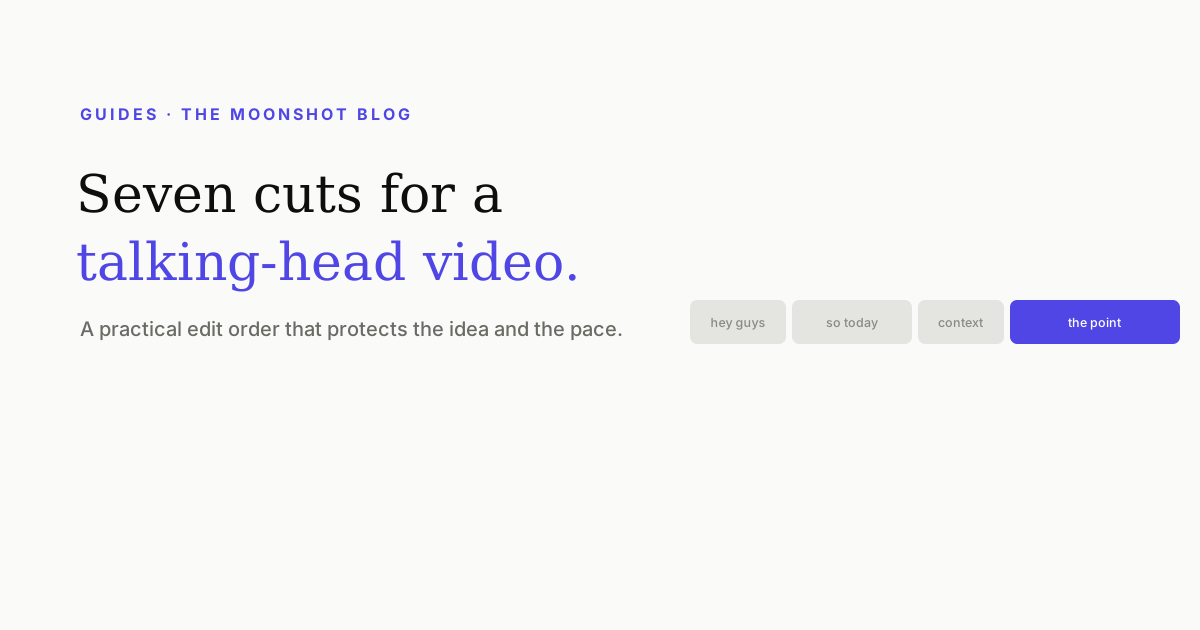
A talking-head edit has one job: make one person explaining one thing feel inevitable. The fastest route is not a bag of transitions. It is seven decisions, made in an order that protects the idea before you spend time polishing the pixels.
The seven-cut order
| Pass | Question | What changes |
|---|---|---|
| 1 | What is the claim? | Choose the one sentence the clip exists to prove. |
| 2 | Where does it really begin? | Cut the greeting and setup before the claim. |
| 3 | What proof earns its time? | Keep one example; compress or remove repeats. |
| 4 | Where does the rhythm sag? | Tighten dead air without deleting every pause. |
| 5 | What must be read? | Add captions, line breaks and sparse emphasis. |
| 6 | What must be seen? | Add only cutaways that replace explanation. |
| 7 | Does it work untouched? | Watch once without editing and note every stumble. |
1. Find the sentence the clip exists to prove
Transcribe the take and underline the strongest complete sentence. Not the broad subject (“today I am talking about pricing”), but the claim a stranger could disagree with: “Your cheapest plan is making the expensive plan look risky.”
Everything else now has a test. It either opens that claim, proves it, or pays it off. If a sentence does none of those things, it is a candidate for removal no matter how smoothly it was delivered.
2. Cut the runway
Most recordings begin where the speaker became comfortable, not where the viewer should begin. Greetings, credentials and “I wanted to share” belong before the useful sentence in the recording and after it in the edit—if they belong at all.
Open on the claim, then restore only the context required to understand it. This is the cold-open edit: context is demoted, not always deleted.
3. Compress the proof
Speakers naturally say the point, rephrase it, and give two examples while they think. An audience only needs the clearest version and the example that makes it concrete. Keep the first proof that changes the viewer’s understanding; cut the sentence that merely restates it.
- Keep: a number, demonstration, contrast or specific consequence.
- Compress: two examples that make the same point.
- Cut: meta-commentary about what you are about to explain.
4. Repair rhythm, not breathing
Tight pacing is not zero silence. Remove the pauses created by searching for the next word, repeated starts and dead air at edit points. Keep the small pause before a turn or after the strongest sentence. Without those contrasts, every line sounds equally urgent and therefore equally unimportant.
Listen once without looking at the picture. If a cut sounds like two words collided, give it back a few frames. Audio continuity is the invisible quality signal in a talking-head edit.
5. Make the words readable
Add captions after the spoken structure is locked. Correct names and numbers first, then split lines by thought rather than by character count. Keep them in the vertical safe area and use emphasis as a budget—usually the noun or contrast that carries the sentence, not every word that was spoken loudly.
The detailed passes are in our auto-caption quality checklist, and the visual placement rule is in where to put vertical captions.
6. Add only earned visual changes
A cutaway earns its place when it shows something speech cannot show as quickly: the screen, the object, the before-and-after, the message, the chart. A skyline or typing shot that only decorates a sentence asks the viewer to rebuild context for no gain.
If the frame needs energy but the meaning does not need a new image, a modest crop change is cheaper than generic B-roll. Our guide to when B-roll helps uses the same test.
7. Watch once with your hands off the controls
Editors stop seeing the clip and start seeing edit points. Export a draft, move it to a phone and watch without pausing. Mark only the moment your attention leaves, a caption becomes hard to read, or a cut calls attention to itself. Fix those marks—then stop.
Quick answers
How do you make a talking-head video less boring?
Start by tightening the idea, not by adding effects. Open on the claim, remove setup the viewer does not need, compress repeated proof, and vary the visual only when the meaning changes. Captions and cutaways work best after the spoken structure already holds attention.
How often should you cut a talking-head video?
Cut when the thought changes, a pause stops feeling intentional, or a visual can explain something faster than speech. A fixed cut-every-two-seconds rule creates motion without meaning and makes the edit feel nervous.
Should I remove every pause?
No. Remove pauses caused by searching, restarting or dead air. Keep the short pauses that separate ideas or let a point land. Good pacing has contrast; deleting every breath produces one continuous wall of urgency.
Do captions make talking-head videos perform better?
Captions make the message available when sound is off and reduce the effort of following fast speech. They cannot rescue a weak opening or a repeated idea, so place them after the structural edit rather than treating them as the edit.
Edit the words before the timeline
Upload a talking-head clip, remove the runway in the transcript, choose a caption style and export a post-ready vertical video.
Open Moonshot free