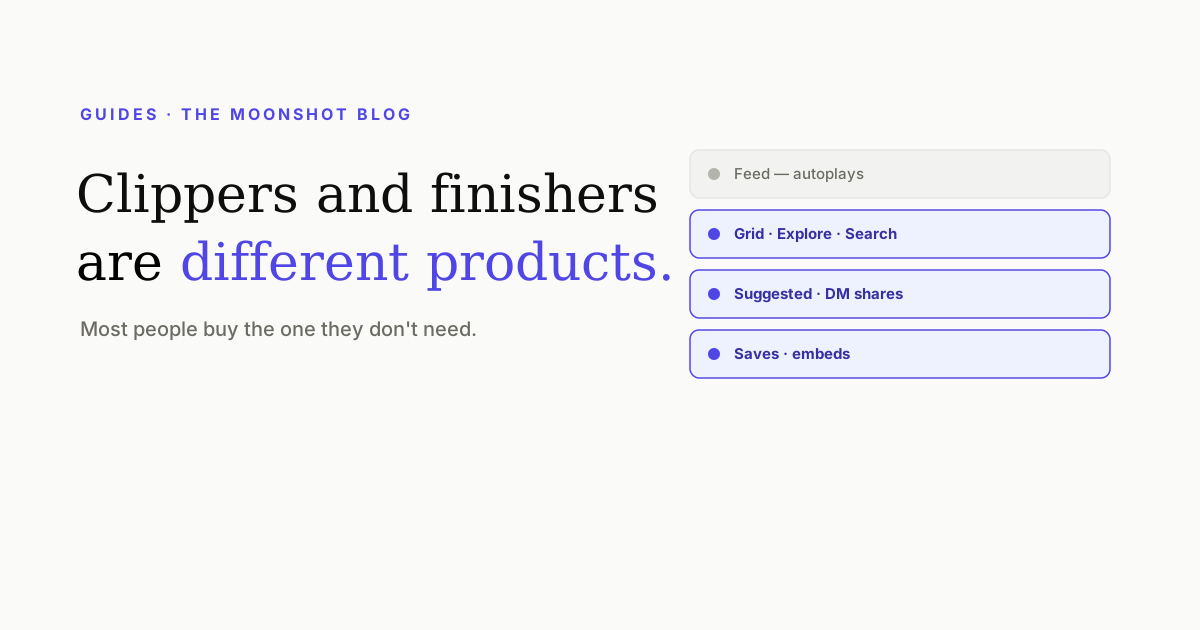
Two products keep getting compared as though they compete, and they don’t. A clipper mines a long recording for moments worth posting. A finisher takes a clip and makes it good enough to post. Both put captions on a vertical video in their marketing screenshots, which is why the categories blur — and why people keep buying the one that solves the problem they don’t have.
The two jobs, precisely
| Clipper | Finisher | |
|---|---|---|
| Input | A long recording — podcast, webinar, stream, interview | A short clip you already have |
| Hard problem | Which 40 seconds of two hours are worth anything | Making those 40 seconds hold attention |
| Typical output | A ranked set of vertical cuts with basic captions | One finished clip: styled captions, hook, cover, export |
| You still need | To finish the cuts | To have a clip in the first place |
Which one is your bottleneck?
Answer one question: where does your material come from?
- You record long and hunt for moments — podcasts, long YouTube videos, streams, recorded calls. Your bottleneck is selection. A clipper earns its money; the captions it gives you are a bonus you may well redo.
- You shoot short deliberately — you point a camera at yourself and say a thing for 45 seconds. There is nothing to mine. A clipper spends its cleverness on a problem you don’t have, and you’re paying for it.
- Both — most people with an existing long-form channel. Use both tools, one after the other. The handoff is a single export.
What a finisher does that a clipper’s captions don’t
Every clipper puts words on screen. The gap shows up in three places, all of which are downstream of the cut:
- The opening three seconds. A clipper picks the moment; it doesn’t write you an opening. Whether the clip travels is decided in its first second, and that usually means a title card and a trimmed runway — the ladder in The first three seconds.
- The cover. The auto-picked frame is the worst available option, and five of the six surfaces your clip appears on show a still, not a video.
- Typographic identity. Default clipper captions look like default clipper captions, and increasingly viewers can tell. A consistent typeface, palette and emphasis rule is what makes a feed look like a brand — including options a captions layer can’t reach at all, like text passing behind the speaker.
The two-tool workflow
- Run the long recording through the clipper. Take its ranked suggestions as suggestions.
- Watch the top few with the sound off. Selection tools optimise for transcript signals, and a moment that reads well on paper can be visually dead.
- Export the raw cuts — no captions, no burned-in styling. You’re redoing those.
- Finish each one: trim the runway so it opens on the thesis, caption it, put a hook on the front, generate a cover.
- Keep the source transcript. It’s the cheapest place to write your written caption and find your next five clips.
The one thing worth resisting: publishing the clipper’s output directly because it’s already vertical and already captioned. That’s the setting in which every account’s clips look identical.
If you only want one tool
- Long-form first, short-form as distribution. Pick the clipper. The selection problem is the one you genuinely can’t do by hand at volume.
- Short-form is the product. Pick the finisher. Nothing needs mining, and every minute goes into whether the clip holds attention.
- You’re not sure yet. Start with the finisher and cut by hand. Two hours of a podcast has maybe three postable moments in it, and you already know where they are.
Quick answers
Is Moonshot an Opus Clip alternative?
Only for half the job. Opus Clip's core function is finding the good moments inside a long recording and cutting them out. Moonshot starts from a clip you already have and finishes it — captions, hook, cover, export. If what you need is the finding, we're not a replacement; if what you need is the finishing, we're a considerably deeper one.
Can I use a clipper and a finisher together?
Yes, and that's the setup we'd recommend for anyone working from podcasts or long recordings. Clip in one tool, export the raw cut, finish it in another. The handoff costs you one export and gets you both halves done well.
What should I look for in a clipping tool?
How good the moment selection is, whether you can override it, and whether it keeps speaker framing sensible when it reframes 16:9 into 9:16. Caption quality is worth much less attention here — it's the thing you're most likely to redo elsewhere anyway.
Do I even need a clipper?
Only if your source material is long. If you shoot short-form natively — you point a phone at yourself and talk for 45 seconds — a clipper adds a step that has nothing to do. That's a surprisingly large share of the people who buy one.
Finish the cuts you already have
Drop a raw clip in and get word-timed captions in the style you pick, a hook drafted from your transcript, and covers — in about a minute.
Open Moonshot free